
Most B2B marketers set up their LinkedIn targeting once — early in a campaign, based on what they knew about their ICP at the time — and then leave it mostly alone. The campaigns run. The audience tuning happens reactively. And somewhere along the way, the targeting drifts from who you’re actually trying to reach.
Part of the problem is structural. Campaign Manager is built for defining targeting parameters, not for understanding the full pool of people who match your ICP or building actionable lists you can use across channels. You can see who LinkedIn is serving your ads to. You can’t easily see who you’re missing.
Audience Explorer is the proactive side of that problem. Instead of working with whoever LinkedIn decides to show your ads to, you build a list of exactly who you want to reach — with filters that go deeper than Campaign Manager — and take action on that list directly. Audience Tuning cleans up what you have. Explorer expands what you’re going after next.
What Is Audience Explorer?
Audience Explorer is a prospect list builder built into DemandSense. You filter by individual attributes — job title, seniority, job function, skills, education, location — and firmographic attributes — company name, industry, revenue range, employee size — to build a targeted list of B2B prospects. From there you can preview results, unlock verified contact details (emails and phone numbers), and save prospects to lists for nurturing campaigns or ad targeting.
Filters can be set manually, imported directly from an existing LinkedIn campaign or audience, or loaded from a previously saved filter set. For setup details, the Audience Explorer knowledge base covers everything from setting your first filters to importing LinkedIn campaign targeting and saving filter sets for future use. Here’s what it looks like in practice.
#1 Build a Net-New Prospect List From Your ICP Without Starting From Scratch in Campaign Manager
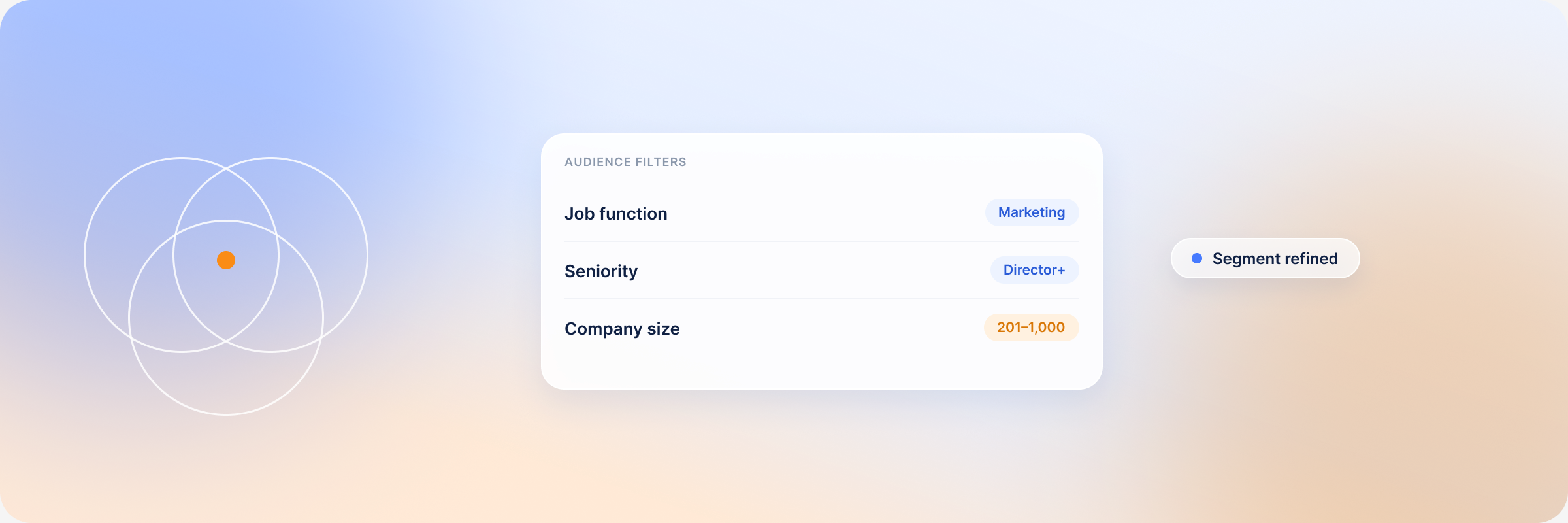
Audience Explorer’s individual filters include seniority level, job function, job title, skills, education, state, and city. Firmographic filters cover industry with enhanced precision, company revenue ranges, and employee size bands. You can combine them however you want, see a live count of matching prospects, and save the filter set for later.
The practical difference from Campaign Manager: you’re building an actual list of people, not just targeting parameters for an ad. The same filter set produces something you can use for ads, outbound, email sequences, or all three — without running a separate prospecting process for each.
#2 Import Your Existing LinkedIn Campaign Targeting and Go Deeper
If you already have a campaign with targeting you trust, you can pull those filters directly into Audience Explorer. Select a LinkedIn Campaign Name or Audience Name, import it, and the filters load automatically. From there you can tighten them, expand them, or save them as a baseline for future use.
The work you’ve done in Campaign Manager doesn’t have to stay siloed there. Bringing it into Explorer turns a targeting definition into an actual list — something you can take action on beyond the ad itself.
#3 Identify Who You’re Missing in Your Current Targeting
Sometimes the most useful thing Audience Explorer does is show you a gap. If you filter for your ICP and the matching count is meaningfully larger than your current campaign audience size, that difference is worth investigating. It might mean your bids aren’t competitive enough to reach everyone, your targeting is too narrow, or there’s a segment you haven’t touched yet.
That gap is invisible from inside Campaign Manager, where you only see the audience LinkedIn is serving you. Explorer shows the full pool — which makes the distance between available and reached a lot harder to ignore.
#4 Use WebID Data to Inform Who You Build Lists Around
If you’ve been running WebID alongside your campaigns, you already have real data on which profiles are behaving like buyers — visiting high-intent pages, returning multiple times, scoring well on engagement. That’s a stronger ICP signal than any persona document.
Take the firmographic and individual attributes of your highest-scoring WebID visitors and use them as the basis for a new Explorer search. You’re not building a list based on assumptions about who should be interested. You’re building it based on who already is.
#5 Save Filter Sets and Reuse Them Across Campaigns
If you build a filter combination that works — marketing leaders at mid-market SaaS companies with specific seniority levels and skills — you can save it and come back to it. That filter becomes reusable across campaigns, quarters, and outreach motions without rebuilding from scratch each time.
Over time, this is how institutional knowledge about your best-fit buyers stops living in someone’s head and starts living in the platform. Every saved filter is a decision you don’t have to make again.
The Core Difference: Targeting Parameters vs. Audience Intelligence
Campaign Manager and Audience Explorer solve different problems. Here’s where they diverge in practice:
| Campaign Manager | Audience Explorer | |
| Primary purpose | Define who LinkedIn shows your ads to | Build an actionable list of who you want to reach |
| Output | Ad audience (targeting parameters) | Exportable prospect list |
| Visibility into audience | Who LinkedIn is currently serving | Full pool matching your ICP criteria |
| Gap detection | None — you see delivery, not coverage | Shows how many prospects match vs. how many you’re reaching |
| Cross-channel use | Ads only | Ads, outbound, email sequences |
| ICP signal source | Persona assumptions | Manual filters + WebID behavioral data |
| Filter reuse | Per-campaign setup | Saved filter sets reusable across campaigns and quarters |
You need both. Campaign Manager runs the ads. Audience Explorer tells you who you should be running them to — and who you’ve been missing.
Why Audience Gaps Matter in B2B Campaigns
In B2B, the difference between your target audience and the audience you’re actually reaching isn’t a rounding error. It compounds. If your ICP pool has 40,000 matching prospects and your campaigns are consistently serving 8,000 of them, you’re not running a LinkedIn strategy — you’re running a LinkedIn strategy for one segment of your addressable market.
The gap stays invisible in Campaign Manager because the tool only shows you what’s happening inside the campaign. It doesn’t show you what exists outside it. Audience Explorer flips that view: you start from the full pool, then work backward to understand what you’re actually covering.
For teams doing any kind of account-based work, this matters even more. If specific accounts aren’t appearing in your served audience — because your bids aren’t competitive enough, because they fall outside a targeting parameter you set early on, or because an ICP shift hasn’t been reflected in your campaigns yet — you won’t know. Explorer surfaces that before it becomes a pipeline problem.
Ready to Get Started?
See Audience Explorer in action: start a free trial or book a demo to explore the full feature set with your own ICP.