
Running LinkedIn ads means dealing with higher CPCs, limited native reporting, and increasingly complex attribution needs. The platform gives you targeting and reach, but it doesn’t give you everything you need to actually optimize performance or prove ROI.
That’s where the right tools come in. The best LinkedIn ads tools cover what LinkedIn Campaign Manager leaves open, from showing which campaigns drive pipeline to routing leads and producing creative.
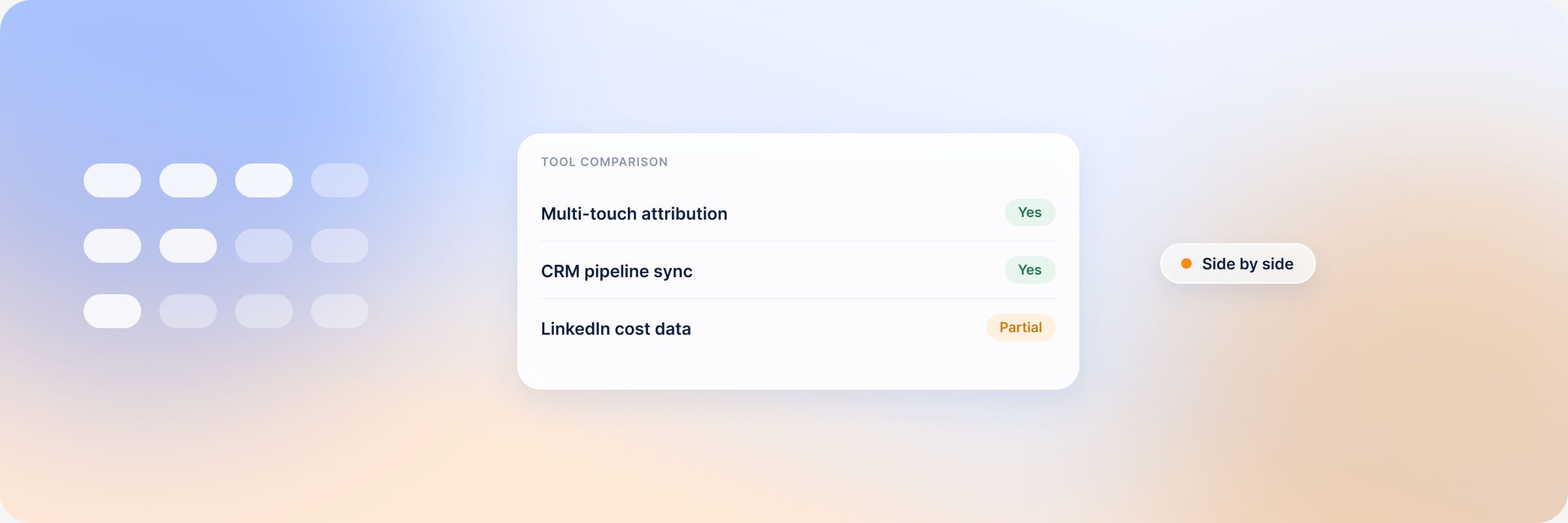
| Tool | What it solves | Built for LinkedIn | Starting price |
|---|---|---|---|
| DemandSense | Attribution, visitor identification, delivery controls | Yes, LinkedIn-first | $89/month |
| Clay | Audience data and enrichment | No | Free, paid from $167/month |
| Chili Piper | Lead routing and booking | No | $1,250/month, billed annually |
| Common Room | Account signals | No | $2,500/month, billed annually |
| 6sense | Intent data | No | Not published |
| Zapier | Lead form workflows | No | Free, paid from $19.99/month |
| Canva | Ad creative, with a LinkedIn Ads export app | Has a LinkedIn Ads app | Free, Pro $144/year |
LinkedIn Ads Tools vs LinkedIn Marketing Tools
Search for LinkedIn tools and most lists mix two jobs. LinkedIn marketing tools such as Sprout Social, Hootsuite and Shield handle organic work: scheduling LinkedIn posts, managing company pages and personal profiles, and reporting on LinkedIn content. LinkedIn automation tools handle outreach campaigns from a personal LinkedIn account.
LinkedIn ads tools work on paid campaigns: who your ads reach, what they cost, and what they turn into once a buyer leaves LinkedIn. This list covers that second group. If organic posting is your main job, a social media management tool is the better place to start.
What LinkedIn Campaign Manager Already Covers
Start with what’s native, so you only pay for the gaps. Campaign Manager now includes its own ad scheduling, frequency caps for brand awareness campaigns, Lead Gen Forms with CRM syncs, and the Conversions API for sending offline conversions. Its native analytics report delivery and engagement for your LinkedIn ad campaigns. Conversion windows run 1, 7, 30 or 90 days for clicks and views, with 90/90 as the default. Some lead and purchase events sent through the Conversions API or a CSV upload can use 180 or 365 days.
What it doesn’t give you is a view of which accounts and open deals your ads touched, the companies visiting your site without filling a form, or a frequency cap by company. The dedicated tools below cover those gaps.
#1. DemandSense: LinkedIn Ads Analytics, Attribution and Delivery Controls
What DemandSense does
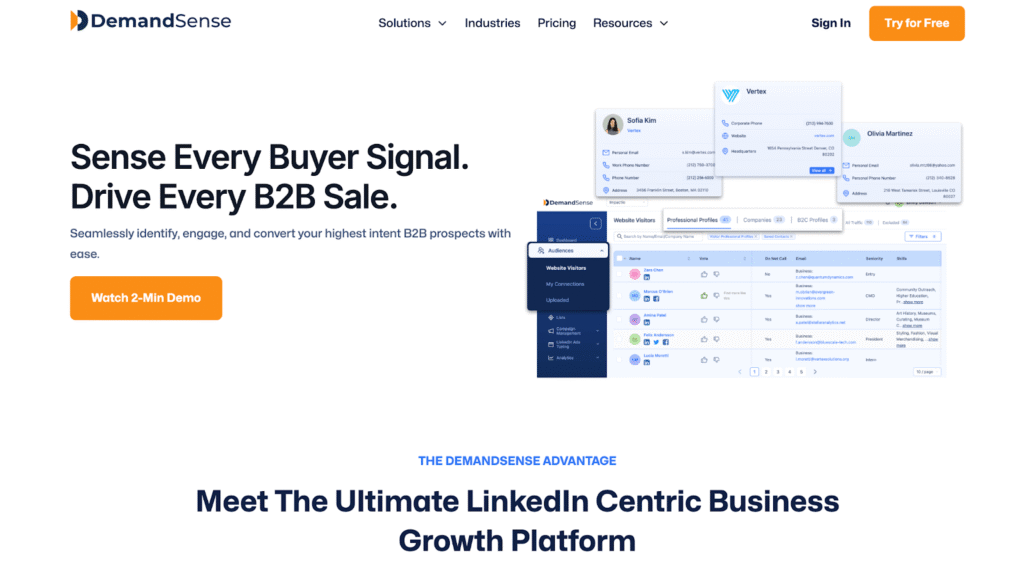
DemandSense connects LinkedIn ad engagement to the companies visiting your site and the deals moving in your CRM. It adds delivery controls on top:
- Revenue attribution, where you decide what “influenced” means: Awareness, Engagement and Intent presets, or your own thresholds
- Website visitor identification, with every identified visitor scored against your ideal customer profile
- Ad scheduling that drops the bid to a minimum outside your hours instead of pausing, so LinkedIn’s optimization history stays intact
- Frequency caps by company, plus budget caps that pause campaigns when they hit the number
- Spend Protection, which stops ads from serving to accounts that have already closed
- The LinkedIn Conversions API, sending closed-won deals and qualified opportunities from your CRM back to LinkedIn
Why you need it: Campaign Manager reports clicks and conversions per member, inside its own window. It doesn’t show which accounts in your CRM your ads reached, or which open deals they touched. DemandSense reads LinkedIn engagement, site visits and CRM movement, and surfaces the patterns in time to shift your budget. LinkedIn is where it starts. Google Ads, Facebook Ads and StackAdapt also connect, and their engagement is tracked.
DemandSense pricing
Every feature is on every plan, with a 30-day free trial and no credit card. Base is $89/month with 200 credits. Plus starts at $149/month with 500 credits, and scales to $999/month for 10,000 credits.
Best for: B2B teams that run LinkedIn ads consistently and need to show which campaigns influence pipeline.
Limitations: It takes time to get used to everything the platform does. Person-level visitor identification is US-only.
#2. Clay: Data Enrichment & List Building
What Clay does
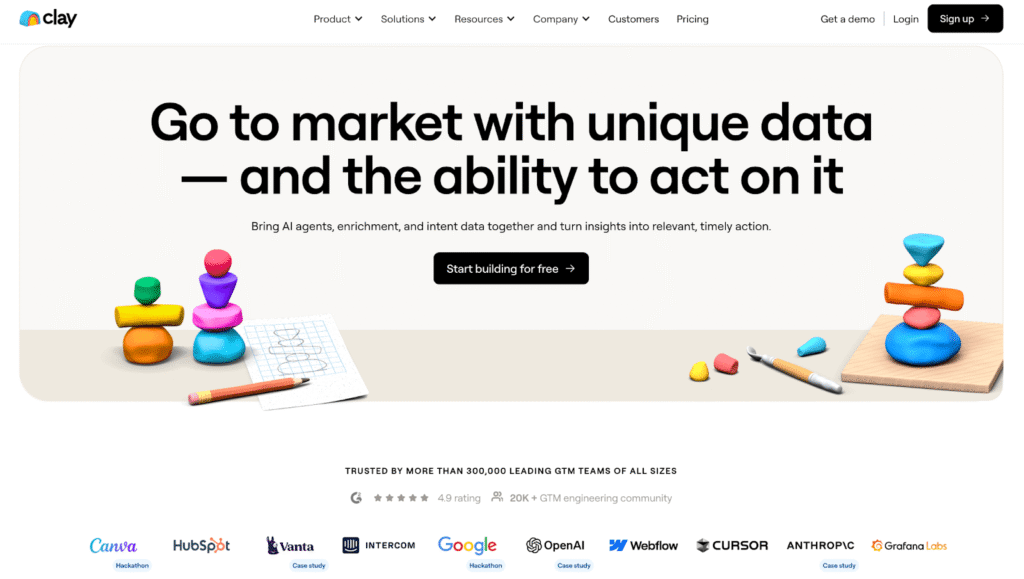
Clay consolidates 100+ data providers into one platform, letting you build enriched prospect lists using waterfall enrichment (trying multiple data sources until you find the info you need). It’s essentially a data orchestration layer that sits between your research and your LinkedIn matched audiences.
Why you need it: Building high-quality LinkedIn audiences requires clean, enriched data. Clay automates the process of finding email addresses, phone numbers, job titles, and firmographics without subscribing to a dozen different data tools.
Clay pricing
Free (500 actions and 100 data credits a month). Launch from $167/month, Growth from $446/month, Enterprise custom.
Best for: Teams running ABM campaigns or building custom LinkedIn audiences from scraped lists, event attendees, or CRM data that needs enrichment.
Limitations: Takes time to learn. Credit use climbs with volume.
#3. Chili Piper: Lead Form Routing & Instant Booking
What Chili Piper does
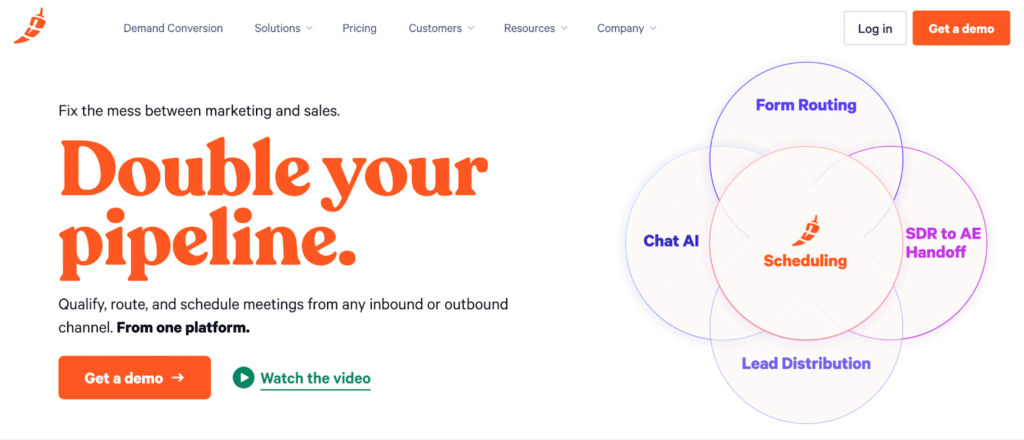
Chili Piper sits on top of LinkedIn Lead Gen Forms and instantly routes, qualifies, and books meetings. Instead of leads sitting in a queue, prospects get routed to the right rep and can book time immediately.
Why you need it: A Lead Gen Form fill that waits a day for a reply has usually gone cold. Chili Piper routes it to a rep and offers a meeting slot straight away.
Chili Piper pricing
Routing & Scheduling from $1,250/month billed annually, with 15 seats included. Experiences from $3,500/month. Annual billing only.
Best for: Sales teams running high-volume LinkedIn lead gen campaigns where immediate routing and booking impacts conversion rates.
Limitations: Annual contract with a 15-seat minimum, so it’s sized for sales teams rather than a single marketer.
#4. Common Room: Account Signal Tracking
What Common Room does
Common Room aggregates signals across platforms, including LinkedIn engagement, website visits, Slack community activity, GitHub contributions, product usage, and surfaces when target accounts show buying intent.
Why you need it: LinkedIn ads don’t operate in isolation. Common Room shows you which accounts are engaging across multiple touchpoints, helping you prioritize ad spend and outreach on accounts already showing interest.
Common Room pricing
Essential is $2,500/month billed annually. Advanced and Enterprise are custom.
Best for: ABM-focused teams targeting named accounts who want to layer LinkedIn ads with other engagement signals to identify the warmest opportunities.
Limitations: Expensive. Overkill if you’re not running coordinated multi-channel ABM. Requires integrations with multiple platforms to deliver full value.
#5. 6sense: Intent Data & Predictive Analytics
What 6sense does
6sense tracks buyer intent signals, identifying which accounts are actively researching solutions in your category. It uses predictive AI to score accounts and surface when they’re entering buying mode, even before they hit your website.
Why you need it: LinkedIn shows you impressions and clicks, but it doesn’t tell you if those accounts are actually in-market. 6sense layers intent data on top of your LinkedIn campaigns, helping you identify which target accounts are showing research behavior across the web and prioritize ad spend accordingly.
6sense pricing
Not published. Plans are sold through a demo.
Best for: Enterprise B2B teams with clear ABM strategies who need to layer third-party intent data with LinkedIn advertising to identify and prioritize in-market accounts.
Limitations: Expensive and best suited for enterprise budgets. Requires major CRM integration (Salesforce or HubSpot). Credit-based pricing can become unpredictable at scale.
#6. Zapier: Workflow Automation for Lead Forms
What Zapier does
Zapier automates workflows between LinkedIn Lead Gen Forms and your CRM, enrichment tools, or sales tools. It routes leads, enriches data, triggers sequences, and eliminates manual data entry.
Why you need it: LinkedIn Lead Gen Forms capture leads, but they don’t do anything with them automatically. Zapier bridges the gap between form fill and action—assigning leads to reps, adding them to sequences, or enriching them with additional data.
Zapier pricing
Free (100 tasks a month). Professional from $19.99/month, Team from $69/month, Enterprise custom.
Best for: Teams without native CRM integrations or those needing custom workflows that LinkedIn’s built-in Salesforce/HubSpot syncs don’t cover.
Limitations: Task limits tighten at volume. Polling-based Zaps aren’t instant.
#7. Canva: Ad Creative With a Direct LinkedIn Export
What Canva does
Canva is a design tool with LinkedIn ad templates, including vertical 1080×1920 video. Its LinkedIn Ads app exports finished creative (PNG, JPG or MP4) straight to your LinkedIn ad account, where you build and launch the campaign in Campaign Manager.
Why you need it: LinkedIn ad performance lives and dies by creative. Testing several hooks, visuals and CTAs is how you find what works, and Canva lets a marketer produce those variations without waiting on a design queue.
Canva pricing
Free plan. Pro is $144/year for one person, and Business $250/year per person. The LinkedIn Ads app costs nothing extra on any plan.
Best for: Marketers who build their own ad variations and want them in Campaign Manager without downloading and re-uploading files.
Limitations: It’s a self-serve design tool, so the quality of the creative is still on you.
How to Choose the Best LinkedIn Ads Tools for Your Stack
None of these tools are mandatory. The right stack depends on where your LinkedIn ads are breaking down.
→ If budget runs at hours your buyers aren’t on LinkedIn, start with Campaign Manager’s scheduling and add DemandSense when you want bids dropped overnight instead of campaigns paused.
→ If you can’t prove ROI, start with attribution (DemandSense).
→ If your lead follow-up is slow, add routing (Chili Piper).
→ If your creative is stale, make more variations to test (Canva).
The worst approach is adding tools because they’re popular. Figure out your specific bottleneck first, then build around it.
FAQ
It depends on where your campaigns break down. DemandSense covers attribution and delivery control, Clay audience data, 6sense intent data, Chili Piper lead routing, Zapier lead-form workflows and Canva ad creative.
Campaign Manager covers delivery metrics. For reporting that ties campaigns to accounts, pipeline and revenue, use LinkedIn attribution software such as DemandSense, which connects to HubSpot, Salesforce and Attio.
Not for scheduling, basic frequency caps or conversion tracking, which are native now. You need them when you want to see which accounts and deals your ads influenced, or who visits your site after seeing an ad.
From free tiers (Clay, Zapier, Canva) to $2,500 a month for account signals. DemandSense starts at $89 a month with every feature included.